

- Amazon
- La Poste
- La Poste
- UPS
- TNT
- DHL
- FedEx
- Colis Privé
I link up with my building's Boks in 3 steps
-
01
I download the app
"Boks: connected parcel box" available free on the App Store and Google Play.
-
02
I create my account
by following the instructions in the app — each resident of the building can have their own account.
-
03
I scan the registration number
via the barcode located under my Boks keypad to link my account.
A shared and secure parcel room for your building.
Each resident creates their account and generates their own codes from the Boks app. Couriers drop off, residents collect, and every opening is recorded and stored in a shared history in the app. The app and its use are entirely free.
I receive my parcels in 4 steps
-
01
I generate a courier code
for opening, from the Boks app, wherever I am: no need to be near my Boks!
-
02
I share my code
with the courier, either verbally when they call me, or in my delivery details, when I place my order.
-
03
The courier drops off
my parcel by entering the opening code I gave them on my Boks keypad — they don't need an app.
-
04
I collect whenever I want
by opening my Boks via Bluetooth from the app — no code, no key: everything is contactless.
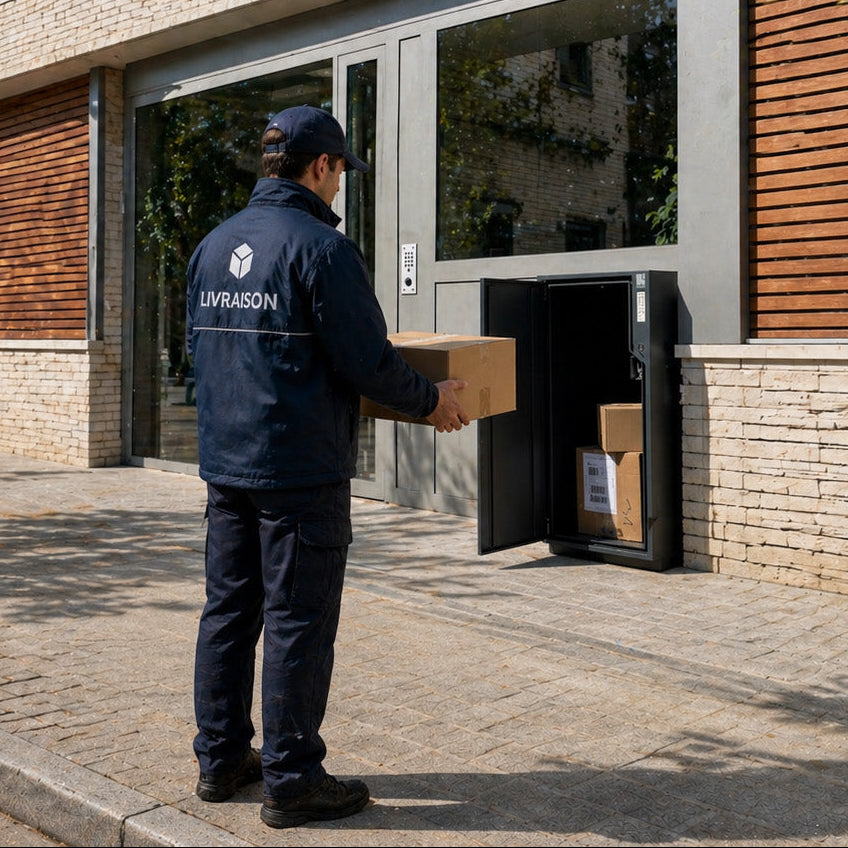
One code per delivery, or per merchant.
Codes generated from the app are single-use by default : once used, they expire.
A single-use code can be saved as a merchant code dedicated to a favourite site (Amazon, for example): it stays single-use but reactivates as soon as you collect your parcel, ready for the next delivery. That way you don't have to change it with every order!
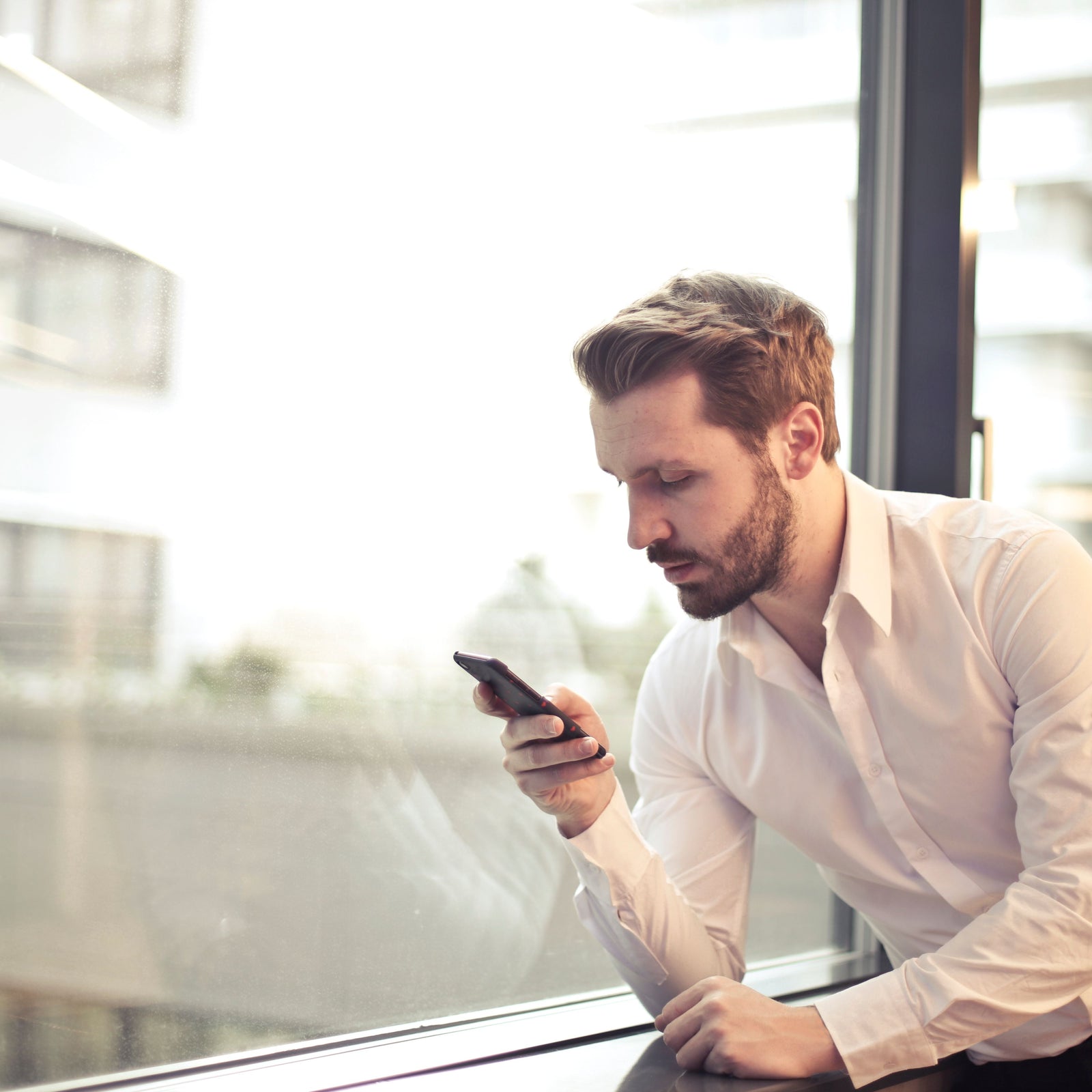
2 ways to give your code to the courier
EITHER VERBALLY when they are downstairs and call me.
OR IN MY DELIVERY DETAILS in the address (First name field or second address line) or in the specific delivery information (some sites like Amazon offer a dedicated section)
total control
I manage everything from the app
Courier codes
Generate your courier codes
Generate a single-use code or a merchant code in 1 click, wherever you are.
Openings
Open via Bluetooth
Your Boks opens on demand from the central button.
Built-in chat
A chat to talk with your neighbours and co-users
On holiday? Ask your neighbour to keep your parcel. Need something? Just ask.
Parcel tracking
All your deliveries in real time
Enter your tracking number and get a notification when your parcel arrives, whatever the carrier.
Activity history
Everything is recorded and available at any time
Every opening and closing is recorded: you know exactly who opened the Boks and when, whether it's a courier or a resident of the building.
A patented, ultra-secure system
High-security electromechanical lock
resistant to 300 kg of traction
Reinforced steel sheet and internal hinges
1.5 mm stainless steel with epoxy coating
Single-use opening codes
with an asymmetric token-generation algorithm
Automatic parcel weighing
by a connected scale at every deposit and pickup


FAQ
Frequently asked questions
We support you through the process of requesting a BoksHUB for your building via a simple, intuitive online form. Let us guide you!
- If you are an owner, simply forward your request, possibly with the quote, to your property manager or residents' committee, who will handle the process with us (an installation may be put to a vote at the general meeting of co-owners).
- If you are a tenant, forward the installation request to your landlord (if a private individual) or their property manager (if an institution): they can then take the necessary steps to have the service installed in your building.
The Boks teams remain at your disposal to support you through this process. Please share your contact details via our contact form or at info@boks.app so we can call you back.
- Download the Boks app from the App Store or Google Play
- Create your account using your e-mail address and a password of your choice
- Then link yourself (on the next screen) to one of the Boks in your building.
There are 2 options:
You received an e-mail from Boks containing a secret activation code: enter this secret code in the field provided. You are then linked to a Boks and ready to use it: its registration number is visible in the “My Boks” section of the app menu (the same registration number is shown on the front of the Boks).
You did not receive an e-mail with a secret activation code: enter the registration number shown on one of the Boks in your building (this number is visible on a black registration plate located under the Boks's alphanumeric keypad). An access authorisation request is then automatically sent to your building's manager or caretaker, who must approve your request (in particular to prevent outsiders from accessing the system). As soon as this authorisation is granted, you will receive an e-mail from Boks informing you of your access to the service and your Boks's registration number (you can find this registration number in the “My Boks” section of the app menu).
When signing up on the mobile app, you need to enter the number of the Boks located in your building. If you enter the wrong number, you can contact customer support (on our website or directly from the mobile app) to have your Boks association request manually corrected.
A scale is built into every BoksHUB installed. Thanks to automatic weighing, the connected scales monitor every parcel drop-off or collection in the Boks.
With the full history available in the back office, it is easy to trace openings, closings and parcel thefts.
To avoid keeping the Boks occupied with your parcels for too long, go to the Chat section of your app to, for example, ask a neighbour for help: they can collect your parcels while you are away and keep them at their place until you return.
Yes, of course. Remember to use the Boks mobile app chat to let them know, and to confirm receipt of your parcel once it has been collected (this keeps the activity history up to date and thus strengthens the system's security).
If a co-user has asked you to collect a parcel (or parcels) for them, let them know (by phone, text, e-mail or via the Chat section of your app) once the parcel has been collected, and ask them to confirm receipt in their app by tapping the “I have already collected/dropped off my parcel” link; this closes the operation.
If you live in a residential building, contact your caretaker, property manager or residents' committee to notify them. Boks will replace it as quickly as possible. If your parcels were also stolen, file a claim with your e-retailer and/or carrier, just as you would for a standard home delivery that never arrived; they should normally compensate you or reship your goods.
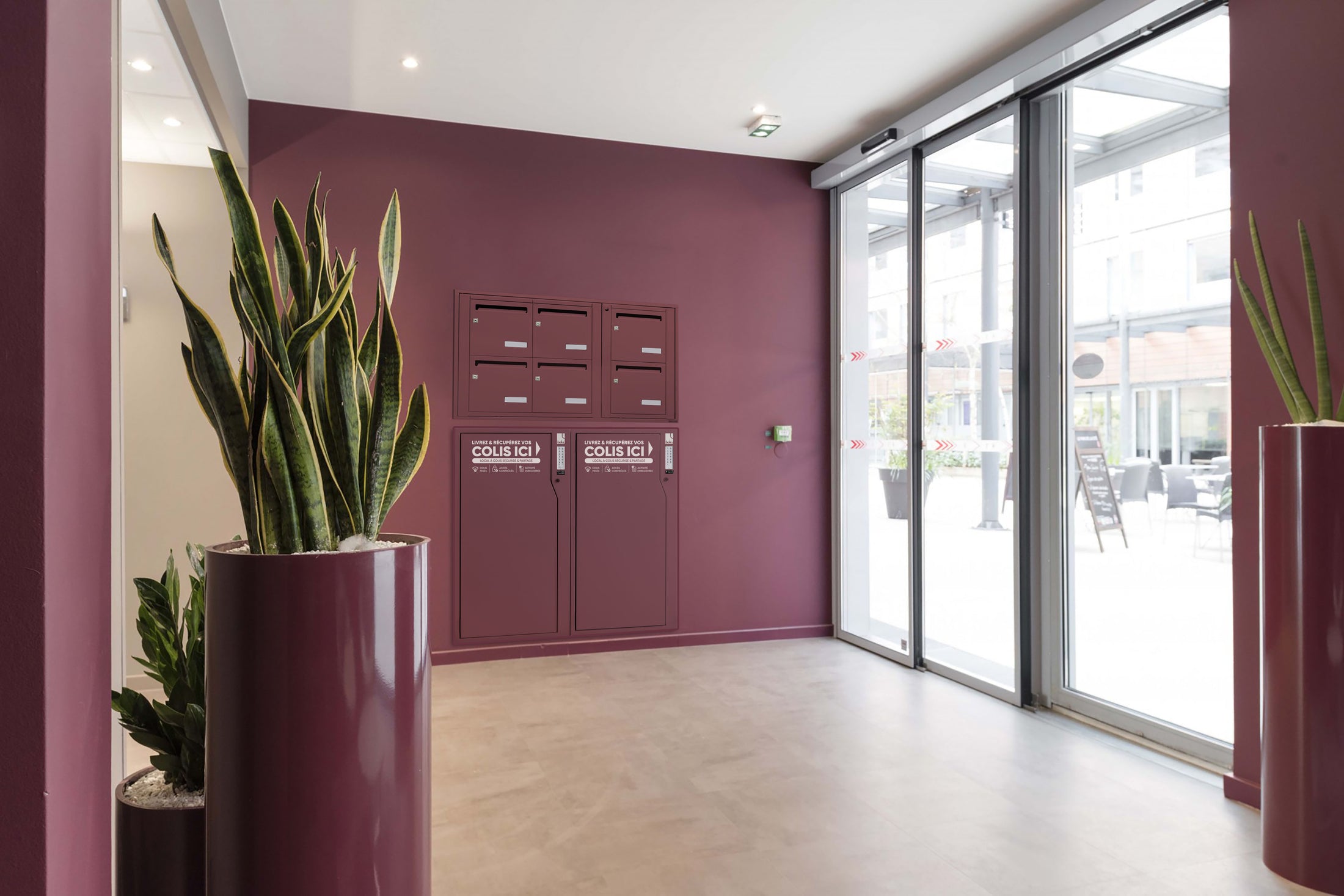
The parcel solution for your building.
Affordable. No building work. Compatible with all couriers. Compact. Secure.
Discover Boks HUB